Free. Open source. Made for your desktop.
All your AI coding usage.One clear picture.
Track AI coding usage across 320+ providers. Token history, cost estimates, credits and usage limits in one free, open-source desktop app.
Built by Artleboss2 · PolyForm Noncommercial
On your computer
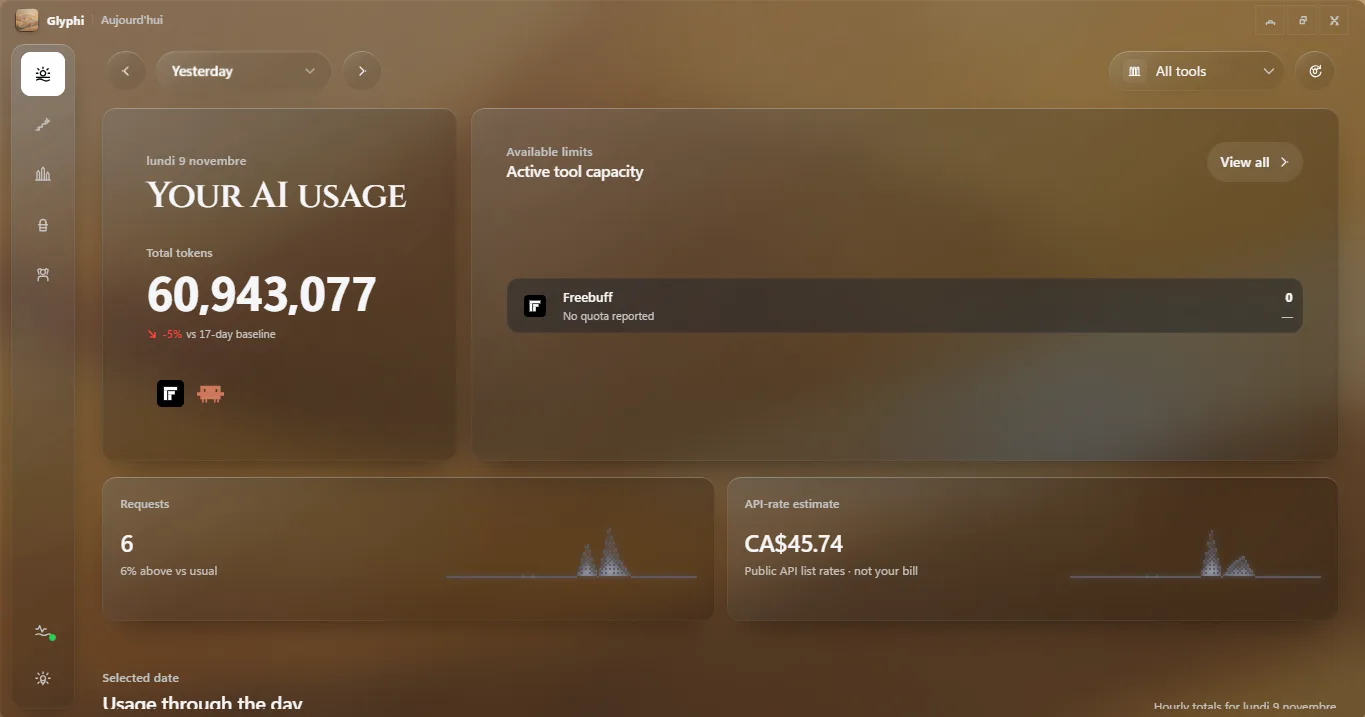
Today, in onequiet dashboard.
Tokens, requests and estimated cost for the day, per tool, with the reset windows that matter right now. It updates while you work and stays out of the way.
Usage history
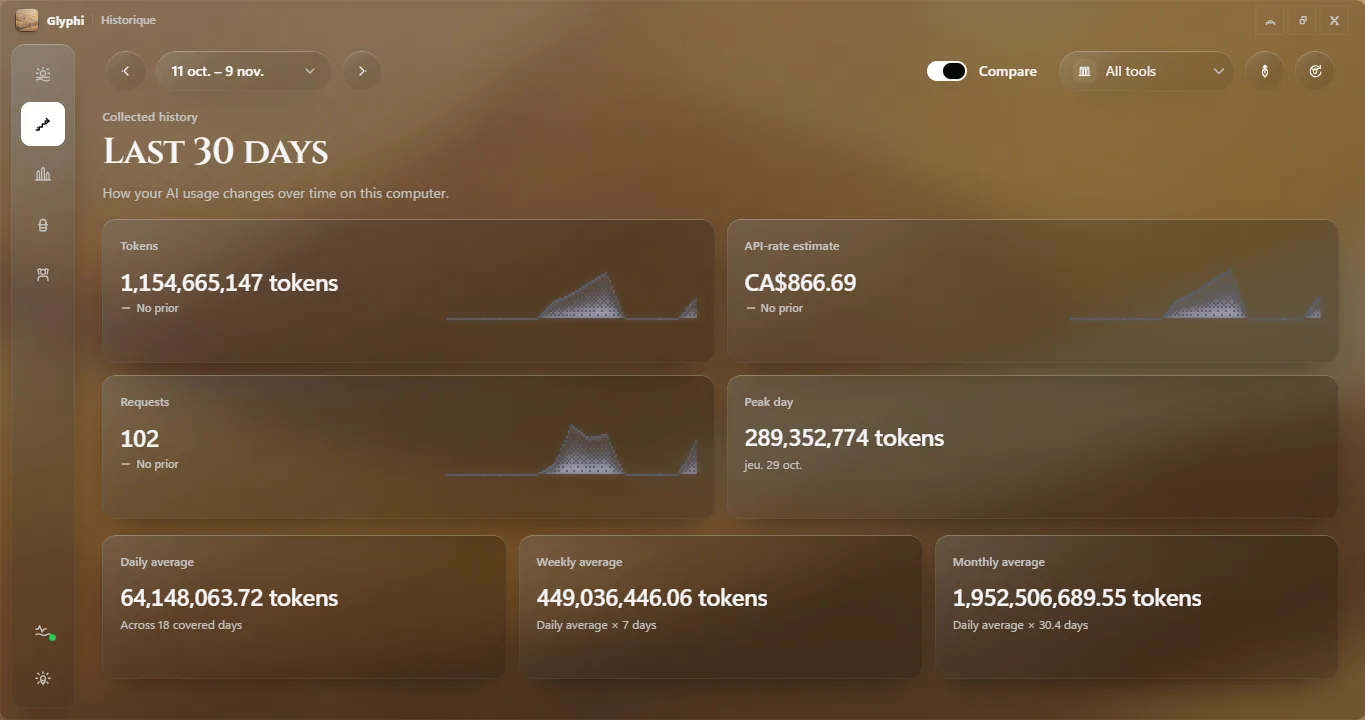
Today makes more sensewith a little history.
Follow tokens, requests and estimated cost over time, then compare the period you just had with the one before it to see what actually changed.
Insights
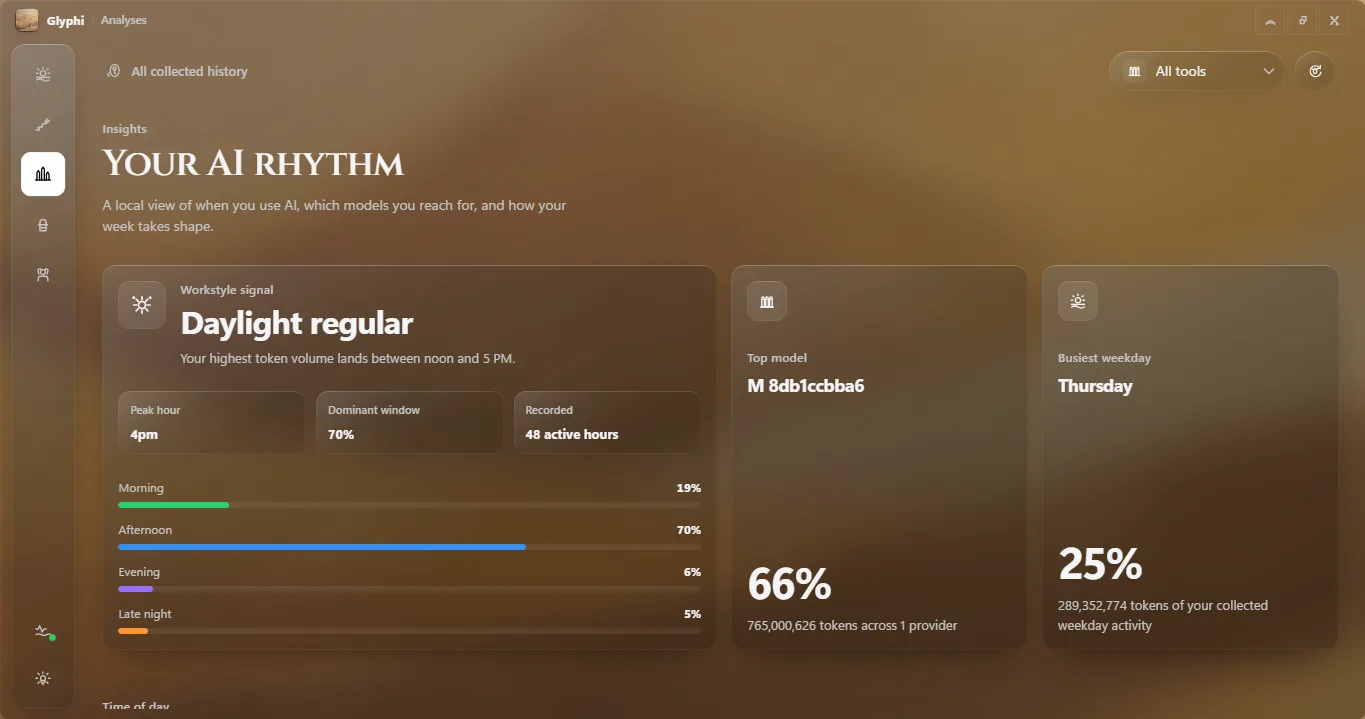
See where thetokens actually go.
A share of tokens for every tool, the models behind them and what each one costs at public API rates. Useful when a subscription stops being the cheapest habit.
A little heads-up
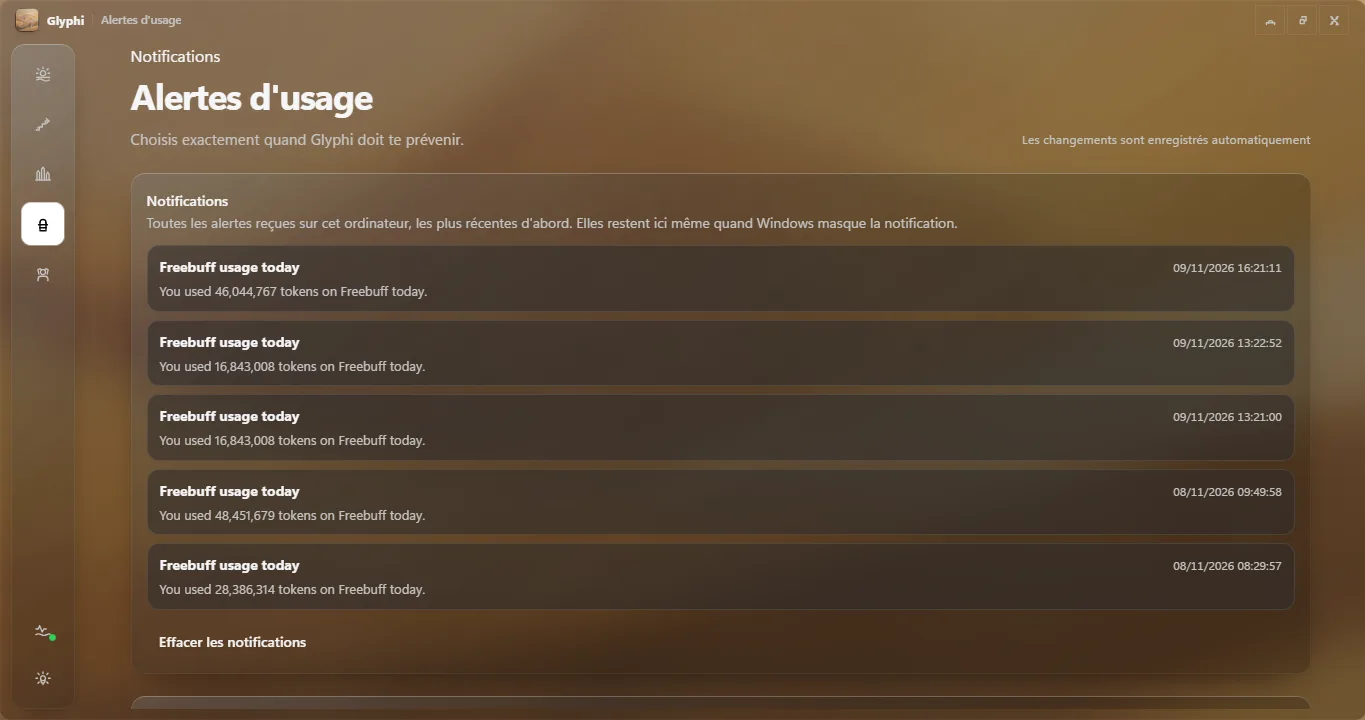
Keep the flow.Know your limits.
See the capacity you have left and when it resets before you start. Glyphi sends one quiet notification the first time a window drops under your threshold.
Local by default
Your usagestays yours.
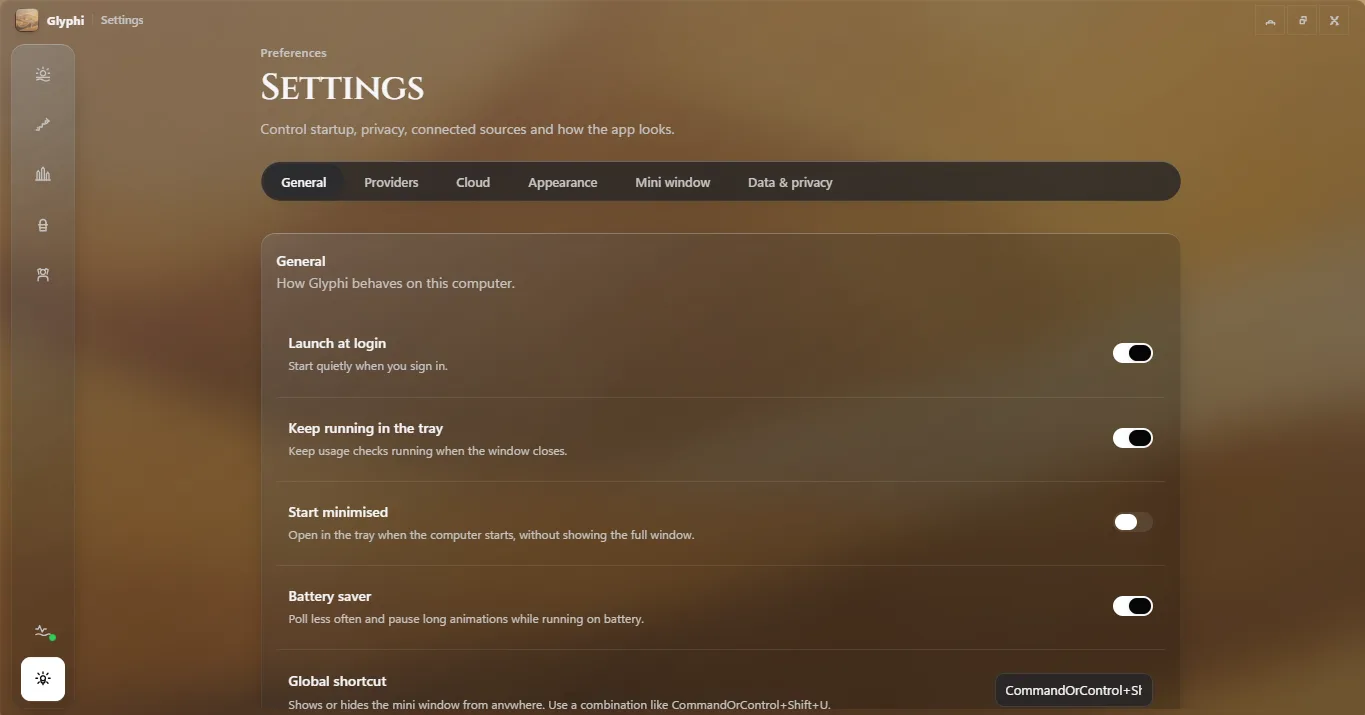
Glyphi reads counters, model names and timestamps from the tools already on your disk. No prompts, no code, no project names — and nothing is sent anywhere unless you turn cloud save on.
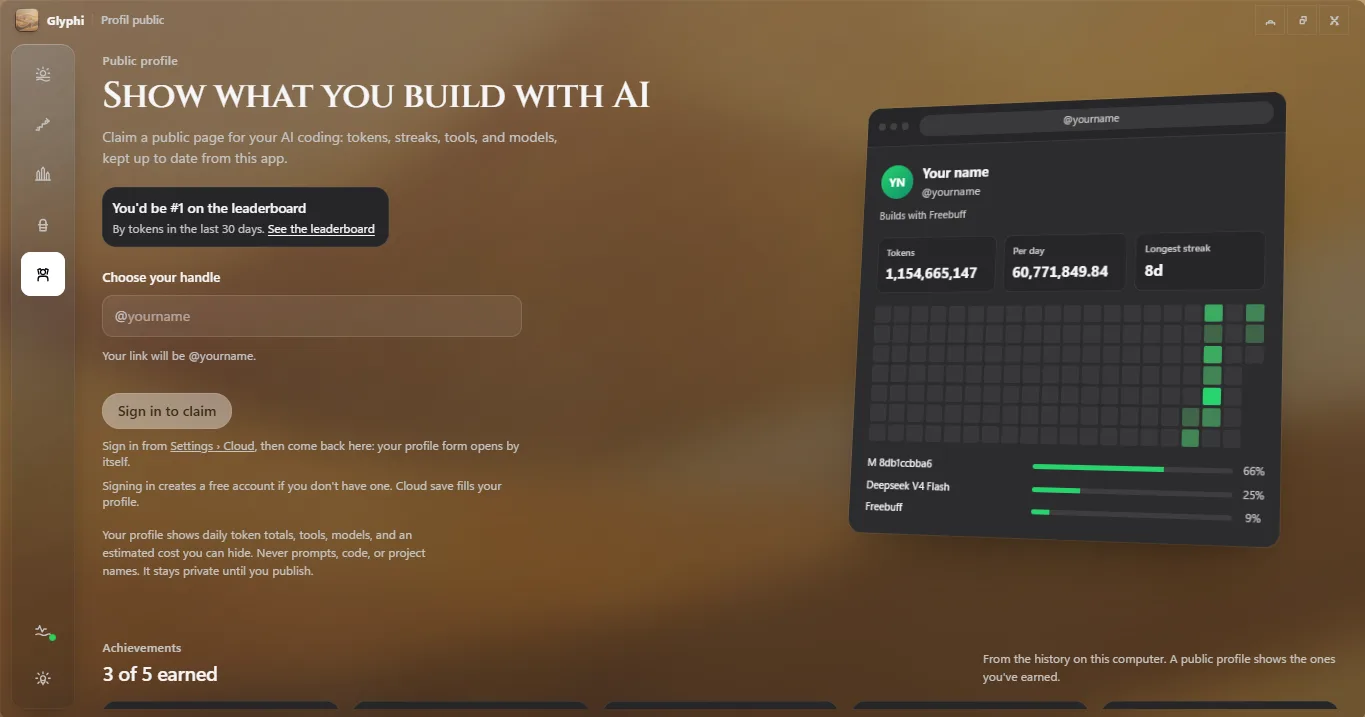
Public profiles
Your AI work.Worth sharing.
Give your coding activity a home, the way contributions have one on GitHub. Pick a handle, publish when you are ready, and keep the page private for as long as you like.
Your toolkit
Show what you build with.
Your go-to tools and the share of tokens each one handles.
Your favorites
Give your models some credit.
A look at the models behind your AI coding activity.
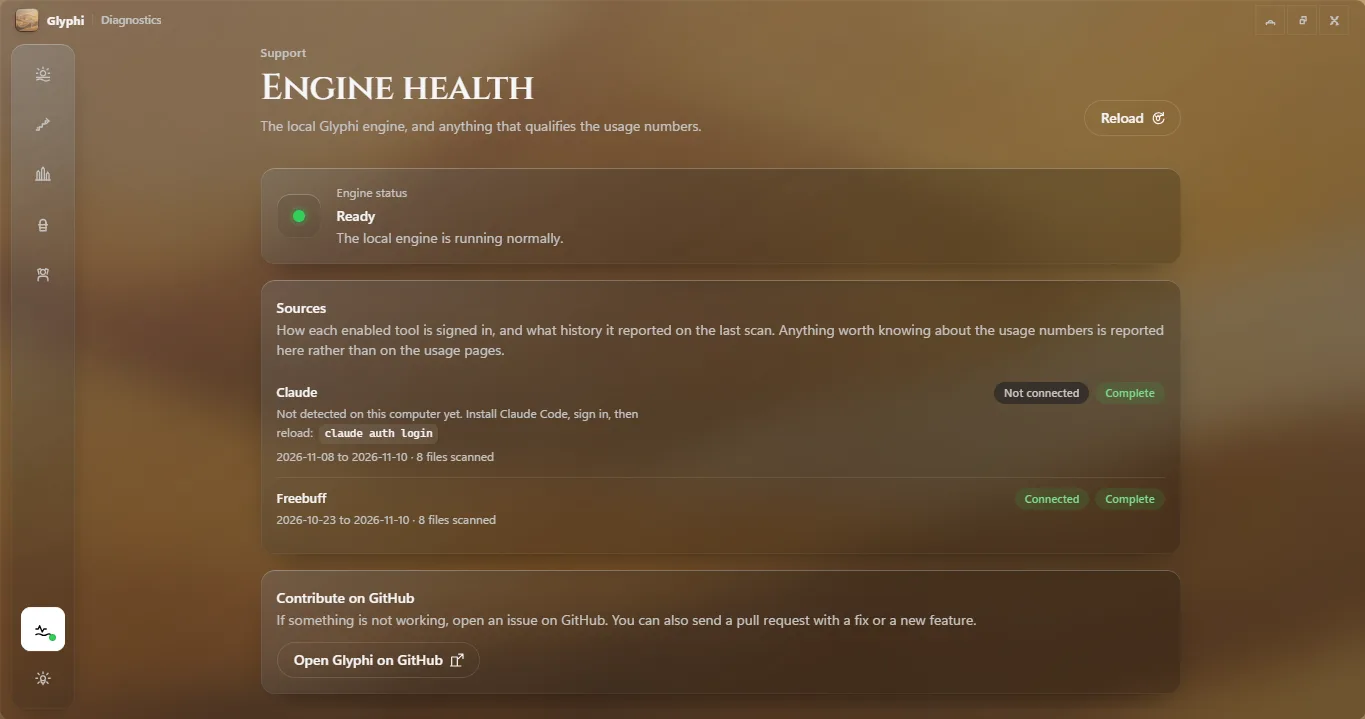
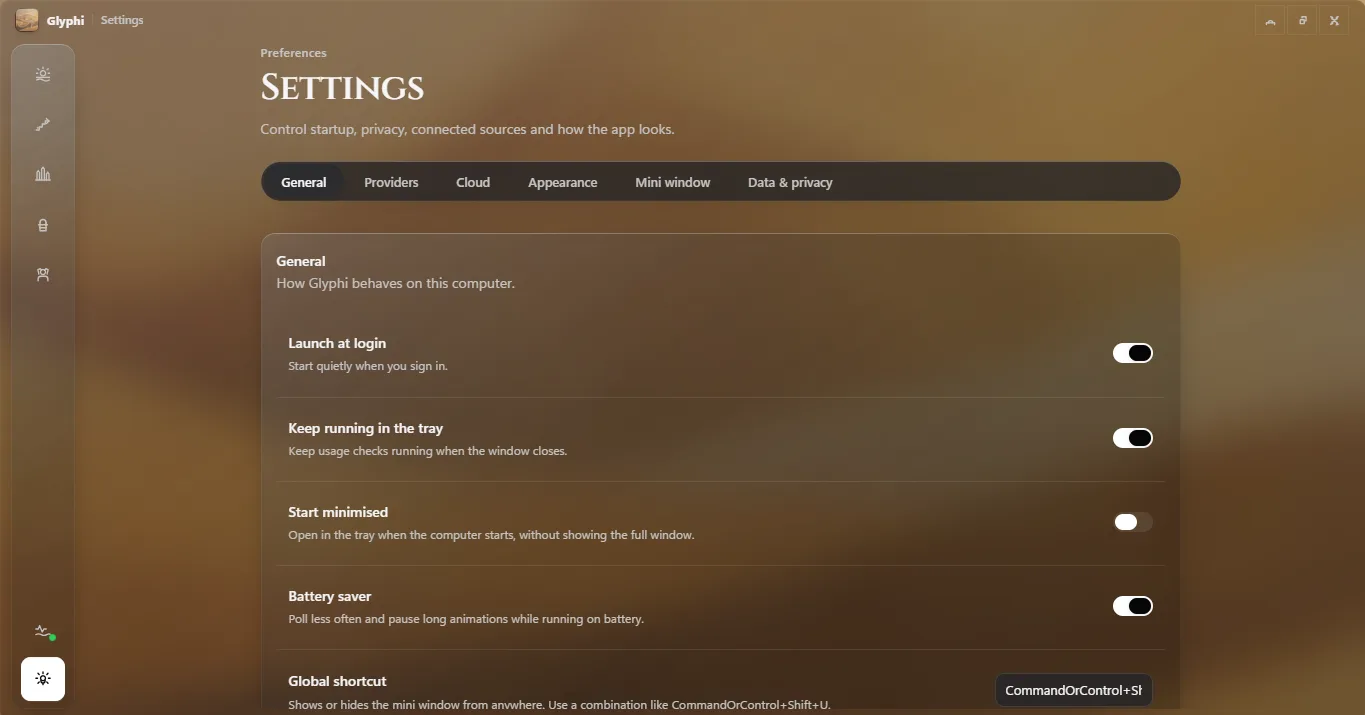
Every screen
The whole app, before you download.
Seven screens, one quiet window. Nothing hidden behind a paywall, nothing to configure before the numbers appear.
From the community
Featured this week.
Every Monday, one public profile is picked at random from the people who coded with AI on three or more days the week before.
Create your profileIs Glyphi free?
Yes. Tracking on your computer needs no account and no network, and the optional cloud save is free too. Glyphi is open source under the PolyForm Noncommercial License.
Which tools can it track?
More than 320 providers, from Claude Code and Codex to Cursor, OpenCode, Kilo Code, Copilot, Amp and the long tail of local tools. If an agent keeps a usage log on disk, Glyphi can usually read it.
Does every provider show token history?
No. Providers that only expose a percentage of a plan show capacity instead of tokens; Glyphi labels which is which so a missing chart never looks like a zero.
Does it read my prompts or my code?
No. Glyphi reads usage counters, model names and timestamps. Prompts, completions, file contents and project names are never read and never uploaded.
Are the costs my actual bill?
They are estimates priced from public API rates. A subscription can cost nothing extra while the same tokens would cost dollars at API prices, so treat the figure as a comparison, not an invoice.
How do alerts work?
You set a threshold per usage window. Glyphi watches the providers that report a remaining capacity and sends one quiet notification the first time a window drops under your limit, from the tray.
Can I share my AI coding stats?
Yes, if you choose to. Create a profile, publish it, and it appears on the leaderboard with an activity graph. Unpublished profiles stay visible only to you.
What happens to my history if I change computers?
It stays here unless you connect cloud save. Sign in from Settings → Cloud in the app and your daily totals follow you to the next machine.
A small app. A clearer picture.
Make room for clarity.
All your AI usage, one download away. Free and open source, on the desktop you already use.
Windows 10 or later
Installer with automatic updates for 64-bit Windows.
DownloadPortable .zipVersion 0.4.8macOS
Apple silicon and Intel builds are on the way.
Linux
Portable AppImage for x64 and ARM64, planned next.